Playout Studio TV

Broadcast automation for your channel

Schedule, in-house GC editor, advertising, and output to vMix or OBS. Clear licensing: one machine, no sharing.

Licenses and demo

Choose annual, full purchase, or a 7-day demo. Always: 1 license = 1 PC.

Renewable

Annual License

$30.000 CLP / year
  • Full program feature set
  • Bound to a single machine
  • Renewal every 12 months
  • ID and KEY by email once payment is confirmed
Buy annual
Trial

7-day Demo

Free
  • 7 days from activation on the PC
  • Up to 10 files per folder and 5 ad clients
  • 1 demo per email and PC — non-renewable
  • ID and KEY emailed on request
Try 7-day demo

Buying from outside Chile?

Online Payku payment is available only in Chile. If you are in another country, write to us and we will explain how to purchase your license.

Contact for international purchase

Built for live broadcast

Control from Playout; on-air video via vMix or OBS. Designed for channels and production houses.

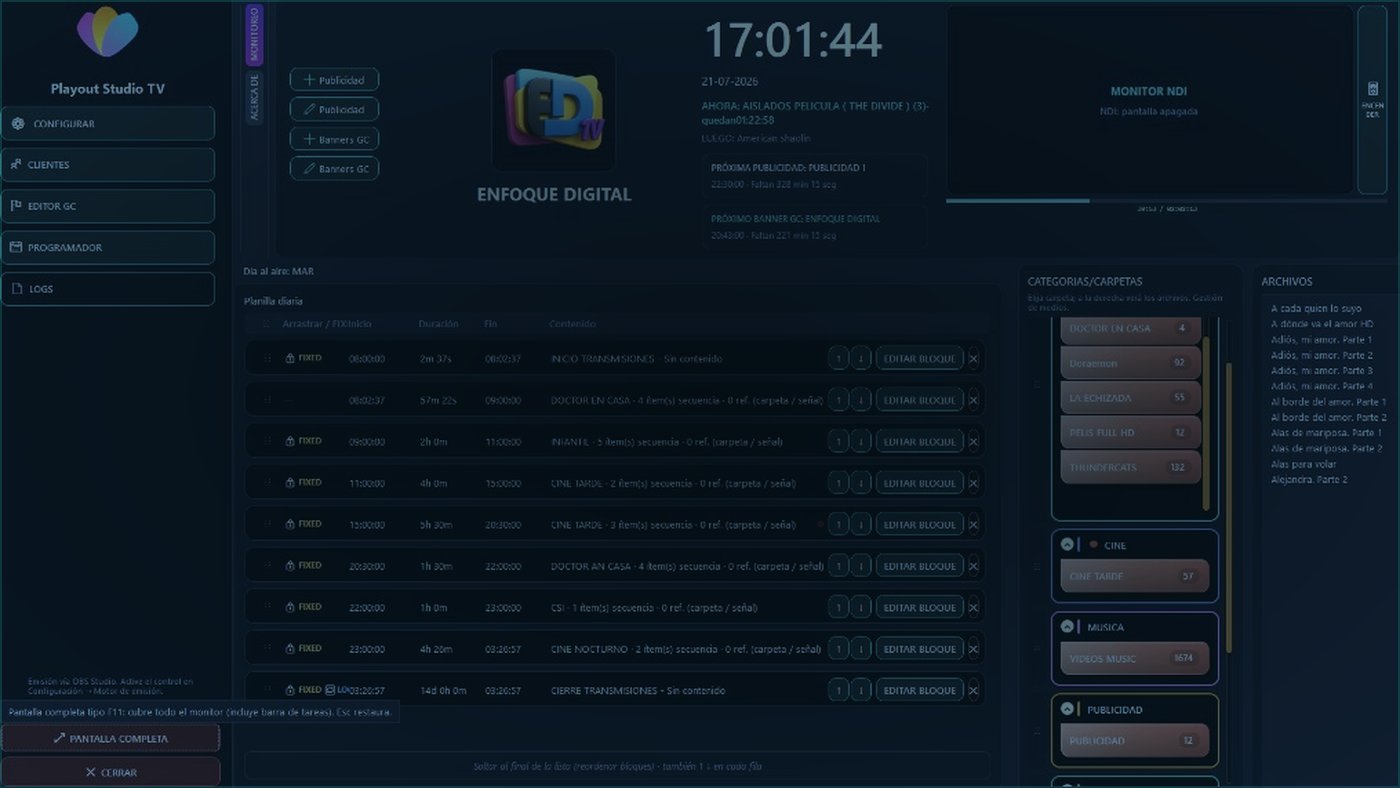
Automated schedule

Automated schedule

Daily programming, blocks, and continuity without manually hitting every cut.

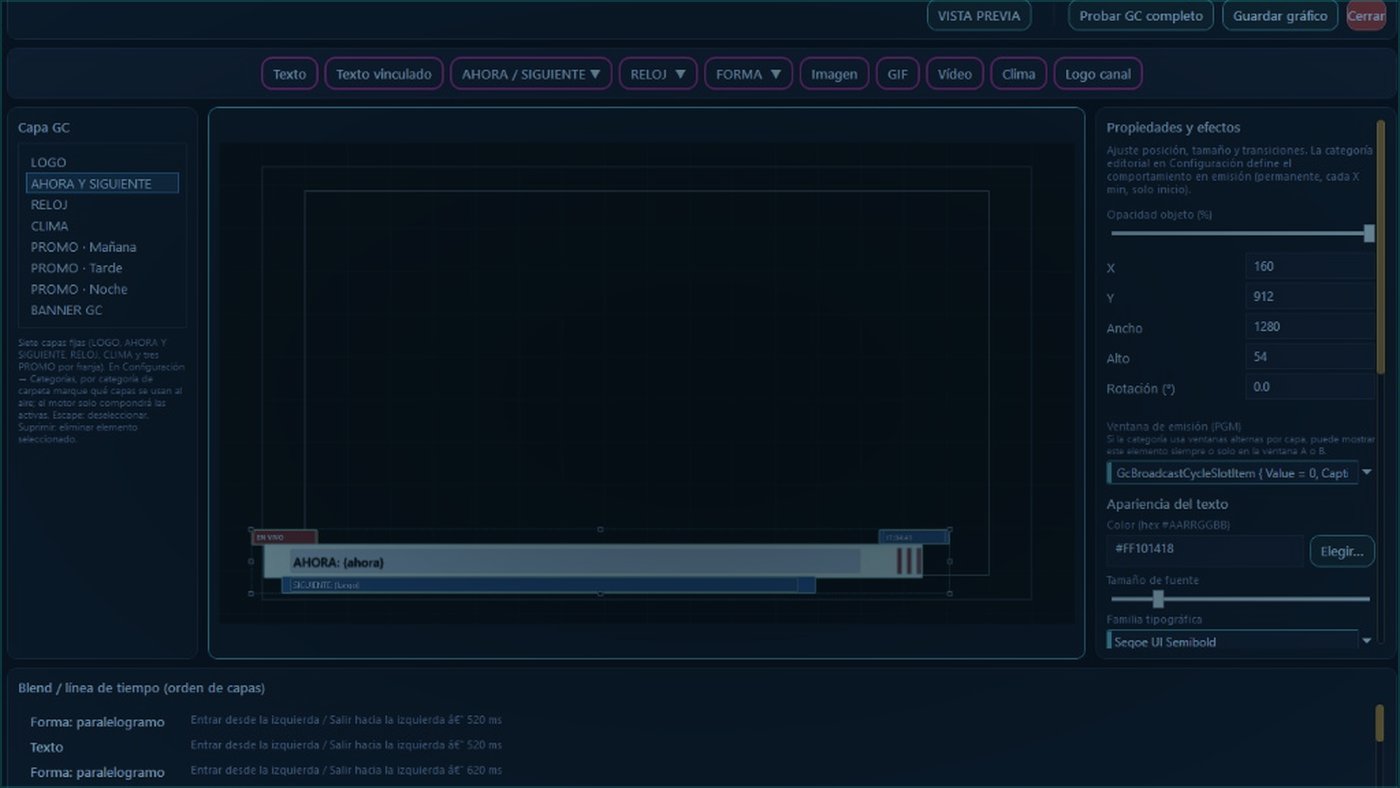
Your own GC editor

Your own GC editor

Design on-air graphics on screen: now/next, clock, weather, logo, banners, and promos. No reliance on third-party templates.

  • Ready-to-air fixed layers (logo, now/next, clock, weather, promos, banner)
  • Free text and schedule-linked text in real time
  • Widgets: clock, weather, image, GIF, video, and channel logo
  • Position, size, opacity, typography, and color down to the pixel
  • In/out animations with millisecond timing
  • Preview and full GC test before saving
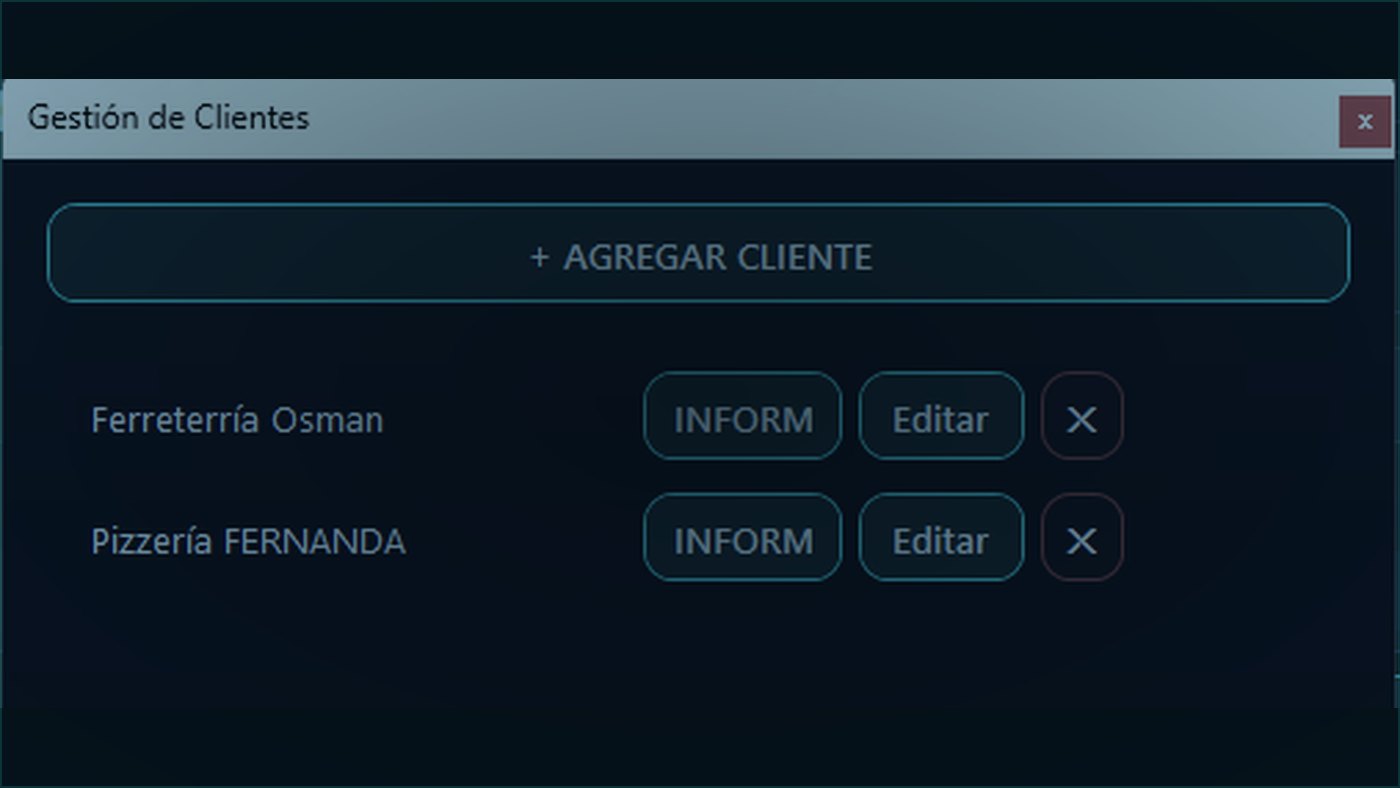
Client and advertising management

Client and advertising management

Manage channel advertisers and deliver a clear report of when their spots go to air.

  • Add, edit, and remove commercial clients
  • Advertising tied to channel production
  • Per-client report with on-screen air times
  • Ideal for accountable reporting to advertisers with concrete data

vMix and OBS

External engine: you choose your video playout stack.

Advertiser reports

Client management with on-air advertising schedule reports.

Secure licensing

Locally encrypted key, online validation, and machine fingerprint.

Frequently asked questions

Straight answers for channels and producers looking for professional playout.

What is Playout Studio TV?

Windows broadcast automation software: it schedules the grid, controls GCs and advertising, and goes to air with vMix or OBS.

How much does it cost?

Renewable Annual License or one-time Full License. Both include all features. See current pricing on Buy. Buy.

Can I use it on multiple computers?

No. One license = one machine. If you must change PCs for force majeure, the administrator issues a new license and retires the previous one.

Does it include a GC editor?

Yes. Visual editor with layers, schedule-linked text, clock, weather, image/GIF/video, and in/out animations.

How do I pay?

In Chile: online payment with Payku. Outside Chile: contact us to arrange purchase. After confirmation, you receive ID, KEY, and download by email.

What PC do I need?

Playout runs alongside vMix or OBS. See minimum and optimal requirements (CPU, RAM, disk, GPU, desktop or laptop). Requirements.

Recommended add-on · StreamLayers

Professional real-time overlays

Create and control animated graphics for OBS, vMix, and streaming: lower thirds, sports, weather, social, and more. Paste the URL as a Browser Source and you're set.

Visit overlays.streamingpro.cl